Finally Available In Telugu...
How Complete Beginners Are Creating Professional Instagram Reels & YouTube Shorts Using Just Their Mobile Phone— In 30 Days Or Less
Even if you've never edited a single video before... even if you think editing is "too technical"... even if you don't own a laptop or expensive software... you can start making clean, professional videos that get views and attract clients.
You'll discover the exact step-by-step system that's helping Telugu-speaking housewives, students, and freelancers create scroll-stopping videos from their mobile phones.
No confusing tutorials. No English jargon. Just simple Telugu guidance.

100% No-Risk
30-Day Money-Back Promise
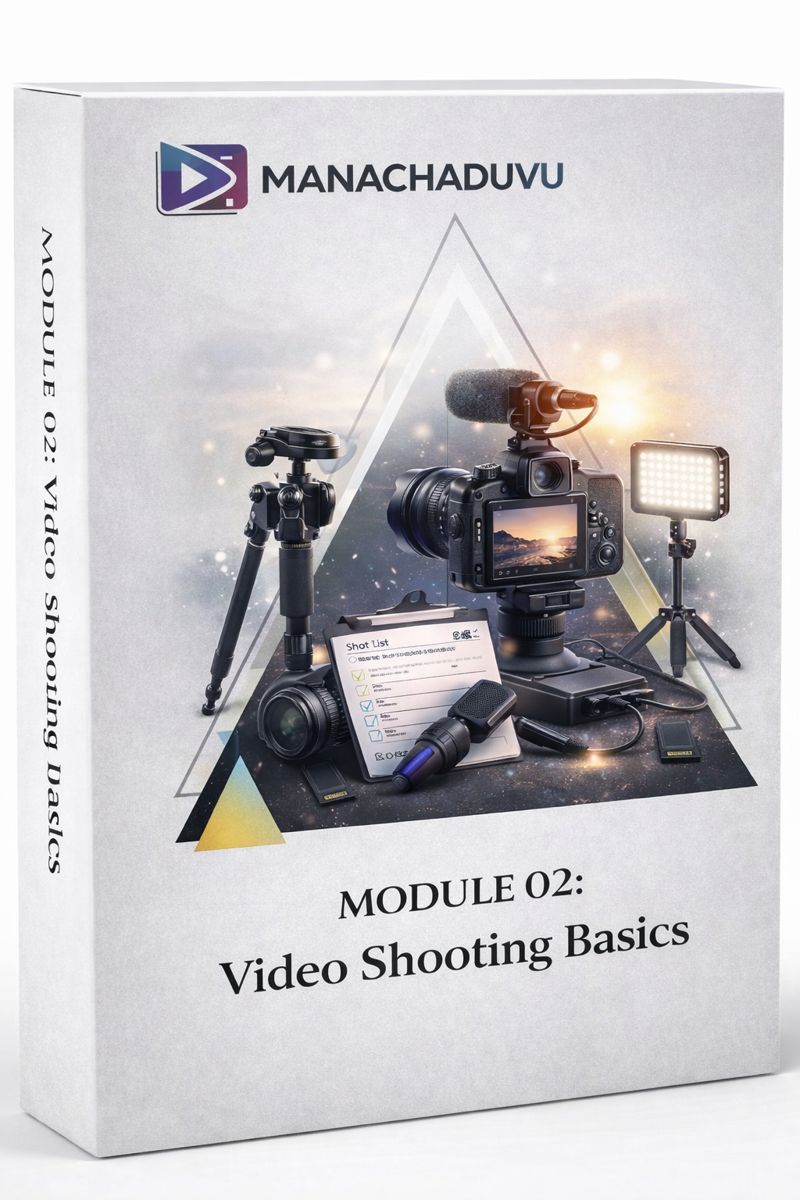
21 Modules | Lifetime Community Access

Meet Your Guide to Executive Success Cecil Kumar
Founder of ManaChaduvu.com and the creative force behind multiple successful social media brands.

His network includes Telugu Tea Talks, Middle Class Homes Furniture.
Hundreds of reels edited. Lakhs of views generated. Years of social media experience.
Now teaching beginners the exact mobile editing system he uses daily.
Does This Sound Painfully Familiar?
Does This Sound Familiar?
You open Instagram.
You see beautiful reels. Smooth transitions. Perfect colours. Professional text animations.
You think: "I want to create videos like that."
But then reality hits.
You don't know where to start.
You search YouTube. Find tutorials. But they're in English. Or Hindi.

They move too fast. Use big technical words. Skip important steps.
You feel lost.
You try following along. Get confused halfway through.
Your video looks messy. Nothing like what you imagined.
You feel frustrated.
"Maybe editing isn't for me," you think.
"Maybe I don't have the talent."
"Maybe I need expensive software or a laptop."
So you give up.
Again.
Here's The Truth Nobody Tells You...
You're not the problem.
The teaching method is.
Random tutorials don't work. Friends give incomplete advice. Apps confuse you without proper guidance.
You're searching for tricks when you need a foundation.
You're watching pieces when you need the complete picture.
And most importantly...
You're learning in English when you think in Telugu.
The Heartbreaking Cost Of Staying Stuck
What Happens If You Keep Struggling?
Picture this.
Six months from now.
You're still watching random tutorials. Still feeling confused.
Still creating messy videos.
Meanwhile...
Your friend who started editing? She's growing her Instagram page. Getting brand deals. Earning ₹5,000-₹10,000 per reel.
Your cousin? He's editing videos for local businesses. Building his freelance income.
That classmate? She's posting reels that get thousands of views.
And you?
You're stuck in the same place.
Wishing you knew how to edit.
Watching others succeed while you stay behind.
Here's what really hurts:
Every opportunity that passes... every client project you can't take... every social media post you can't create...
That's money left on the table.
That's growth you're missing.
That's confidence slipping away.
The cost of not learning? It's bigger than you think.

Why Everything You've Tried Has Failed You
Why Everything You've Tried Has Failed
YouTube Tutorials: You watch one video. Then another. Then ten more.
Each teaches a different trick. None teach the complete workflow.
You end up confused. Not confident.
Learning From Friends: They know how to do it. But can't explain why.
You get bits and pieces. Never the full system.

Expensive Workshops: ₹2,000-₹5,000 for a 2-hour session.
They show you one effect. Two transitions. That's it.
You go home. Forget everything in three days.
Trial And Error: You download CapCut. Download VN. Open them. Stare at the screen.
Too many buttons. Too many options. Zero guidance.
You click around randomly. Nothing makes sense.
Here's Why These Methods Don't Work:
They teach what to click.
Not why you're clicking it.
They give you fish. Not the fishing rod.
They show results. Not the process.
And none of them teach in simple Telugu.
The Simple System That Changes Everything
The Telugu Mobile Editing Blueprint
What if learning video editing was like following a recipe?
Step one. Step two. Step three.
Each step clear. Each step simple. Each step in Telugu.
That's exactly what this system is.
The Telugu Mobile Editing Blueprint is a structured learning path.
Not random tricks. Not confusing tutorials.
A complete system that takes you from "I don't know anything" to "I can edit professionally."
Here's why it works:
It's built on three pillars:
Pillar 1: Simple Telugu Teaching Every lesson in your language. Every tool explained clearly. Every concept broken down.
No English jargon. No technical confusion. Just simple words.
Pillar 2: Real Project Mastery You don't just watch theories. You do actual editing projects.
Second-by-second guidance. Real footage. Complete workflows.
This hands-on experience builds real confidence.
Pillar 3: Mobile-Only System Everything taught using just your phone.
No laptop needed. No expensive software. Just your mobile and dedication.
What If You Could Master Professional Mobile Editing In Just 30 Days?
Introducing: Mobile Video Editing Mastery Course (Beginner To Expert)
This isn't another random course.
This is the complete mobile editing education you've been searching for.
30 days from now, you'll be able to:
Create professional Instagram Reels that stop the scroll
Edit YouTube Shorts that get views
Make talking videos with perfect cuts and clean audio
Add trending transitions and colour grading
Export high-quality videos ready to post
Edit client-style videos confidently

All from your mobile phone.
All taught in simple Telugu.
All designed for complete beginners.
Even housewives with zero editing experience are learning this.
Even students who thought editing was "too hard" are creating beautiful videos.
Even software employees looking to master a new skill are editing professionally.
If they can do it, so can you.
What You'll Learn Inside The Course
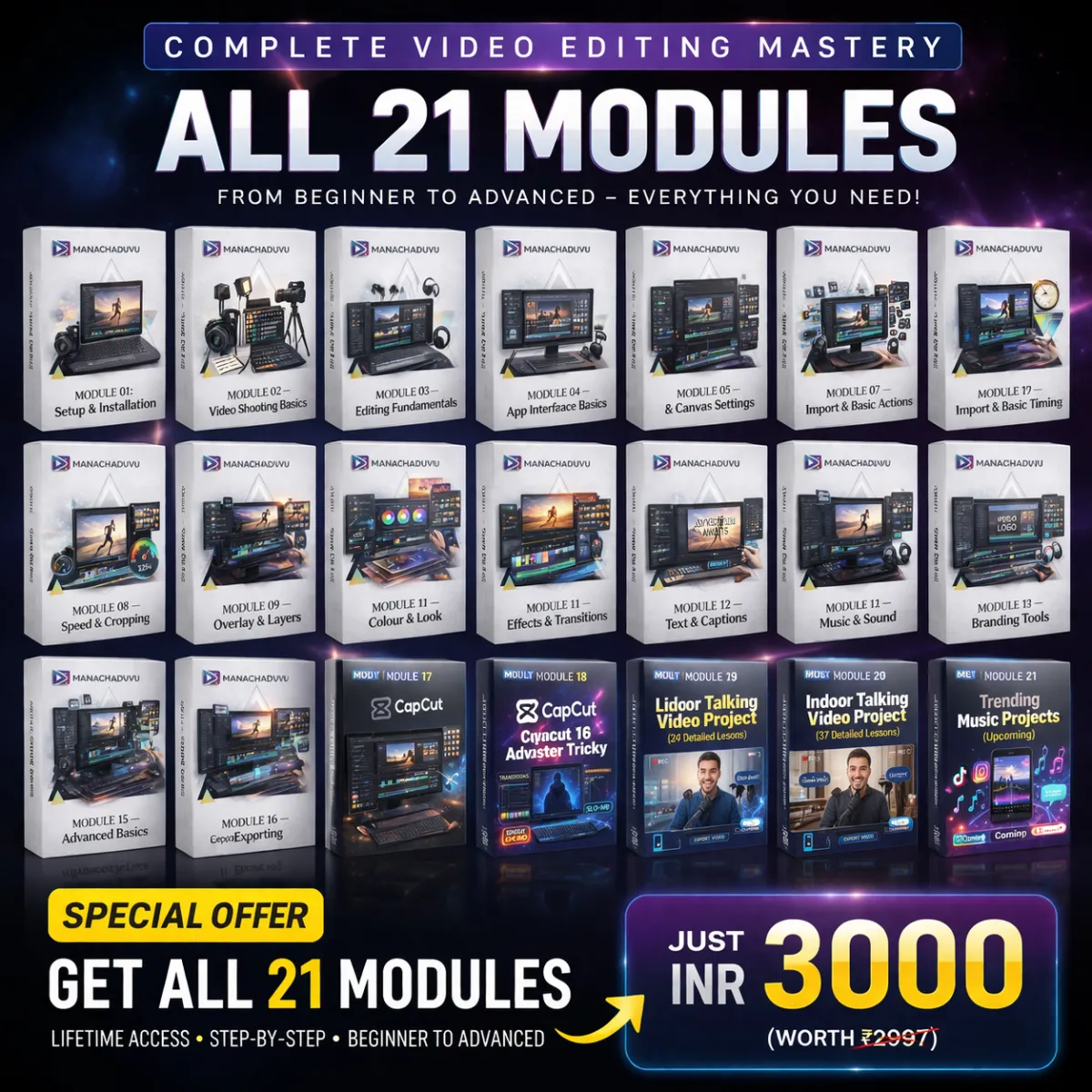
MODULE 00 — Course Orientation
Clear introduction to the course
How the learning flow works
You'll know exactly what to expect.
Zero confusion from day one.
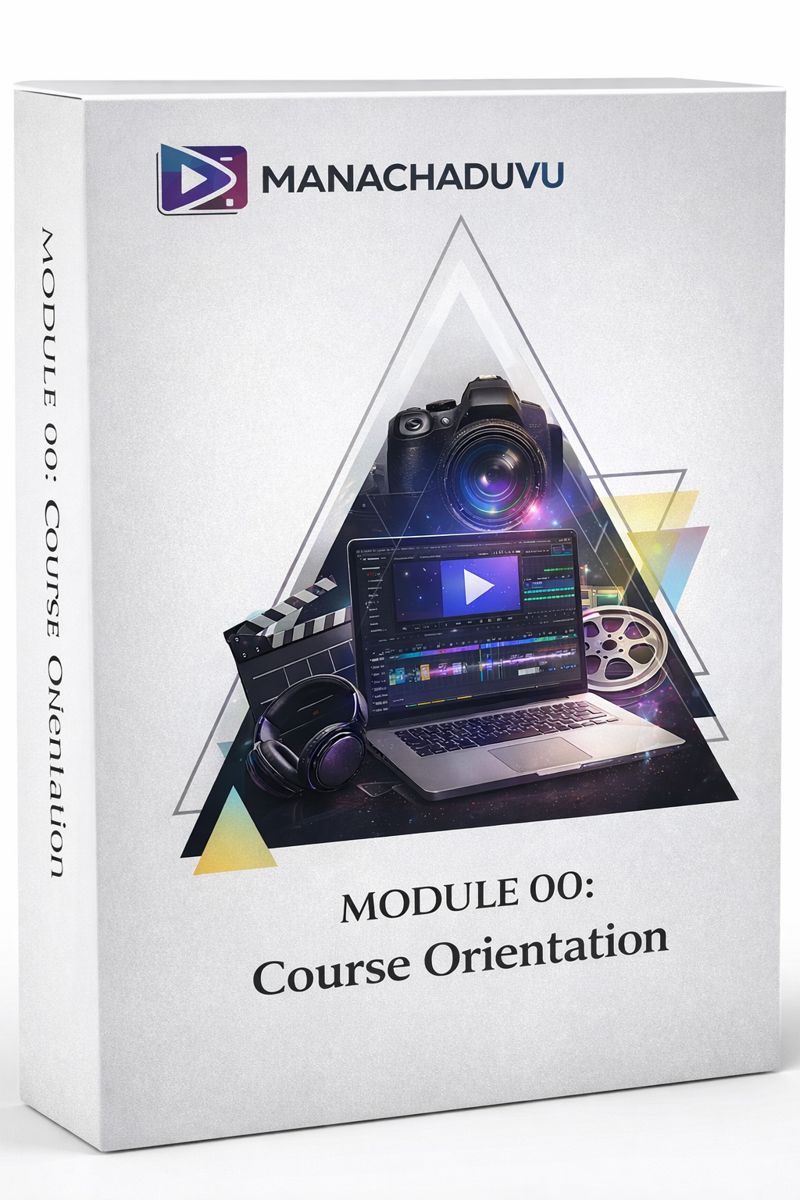
MODULE 01 — Setup & Installation
Mobile requirements for editing
Installing VN app
Installing CapCut on iPhone and Android
Why CapCut needs VPN in India (and how to fix it)
Installing and using Turbo VPN
You'll have your editing tools ready. Your phone will be your professional editing studio.
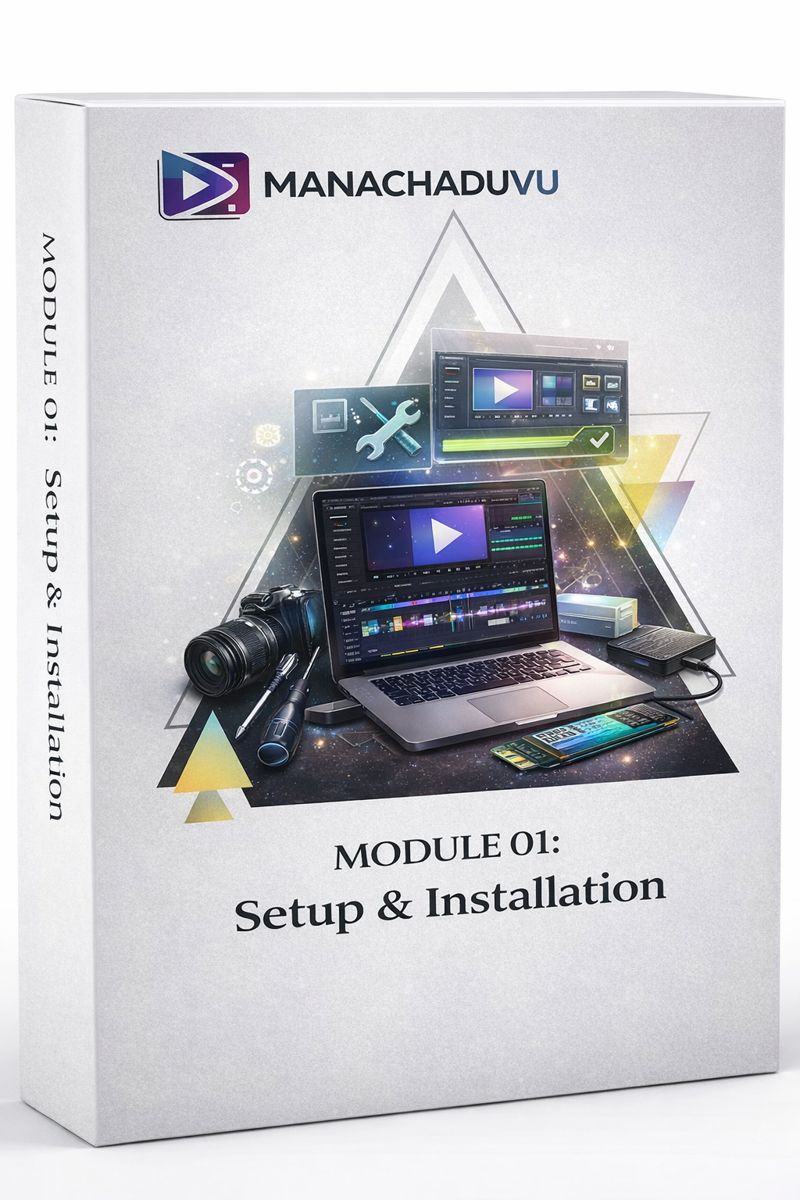
MODULE 02 — Video Shooting Basics
Phone grid settings
Camera settings that make videos look professional
Voice recording basics with Hollyland mic demo
Stable left and right shots
Multi-angle shooting techniques
Simple forward shots
You'll shoot videos that are already 50% better before you even start editing.
MODULE 03 — Editing Fundamentals
What video editing actually is
Different types of videos (Reels vs YouTube)
You'll understand the language of editing. No more confusion about what anything means.
MODULE 04 — App Interface Basics
VN app interface complete breakdown
VN interface overview
Understanding the timeline
You'll feel comfortable opening the apps. You'll know where everything is.
MODULE 05 — Project & Canvas Settings
Project and canvas settings explained
Creating new projects
Aspect ratio settings for different platforms
Resolution and FPS explained
You'll start every video correctly. Your exports will look professional.
MODULE 06 — Import & Basic Actions
Importing videos into the app
Adding audio files
Importing audio from voice recorder
Recording audio directly on timeline
Deleting and duplicating clips
You'll organise your footage like a pro. Your timeline will stay clean.
MODULE 07 — Cutting & Timing
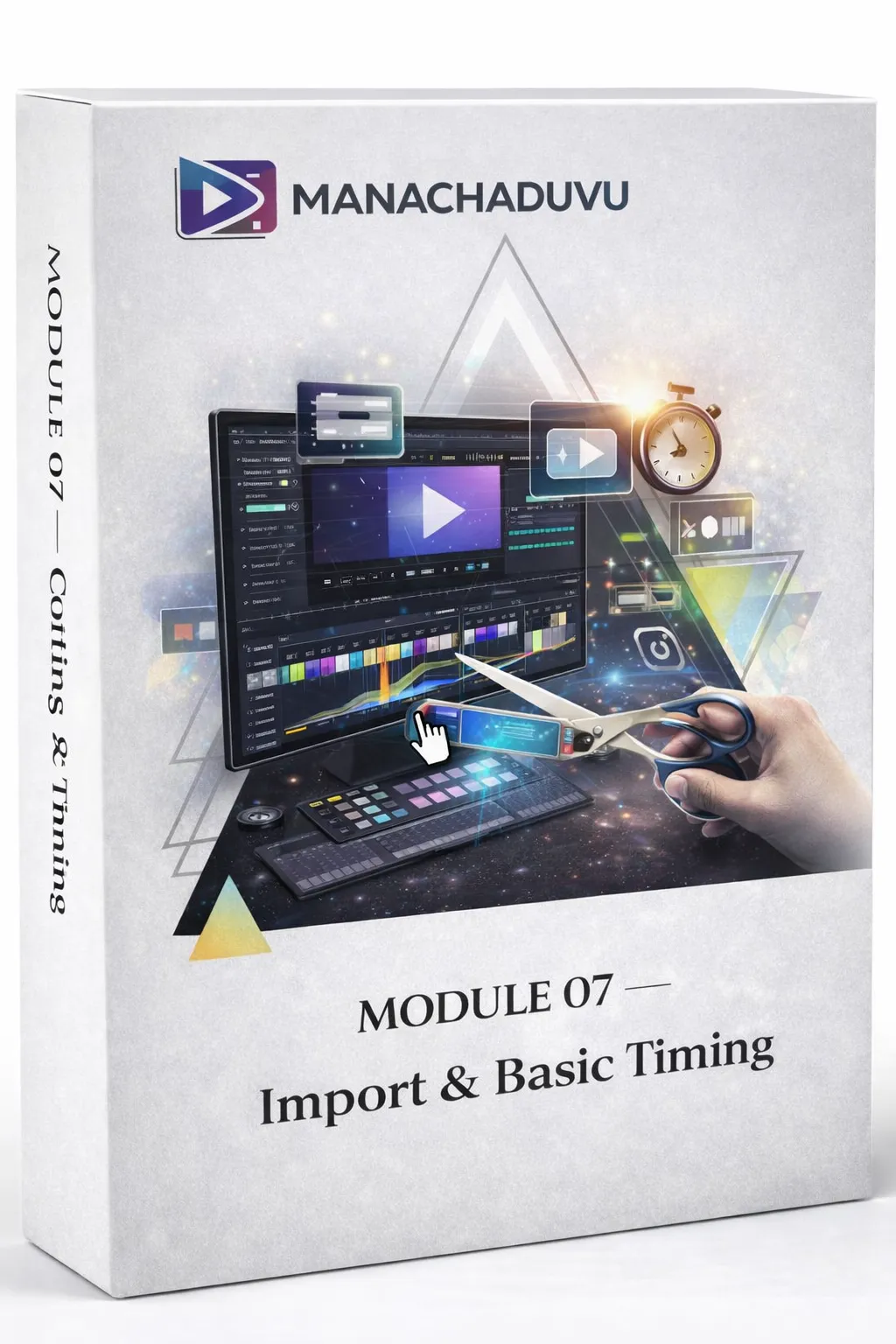
Complete cutting and timing overview
Using the trim tool
Using the split tool
You'll create tight, engaging videos. No boring parts. No awkward pauses.
MODULE 08 — Speed & Cropping
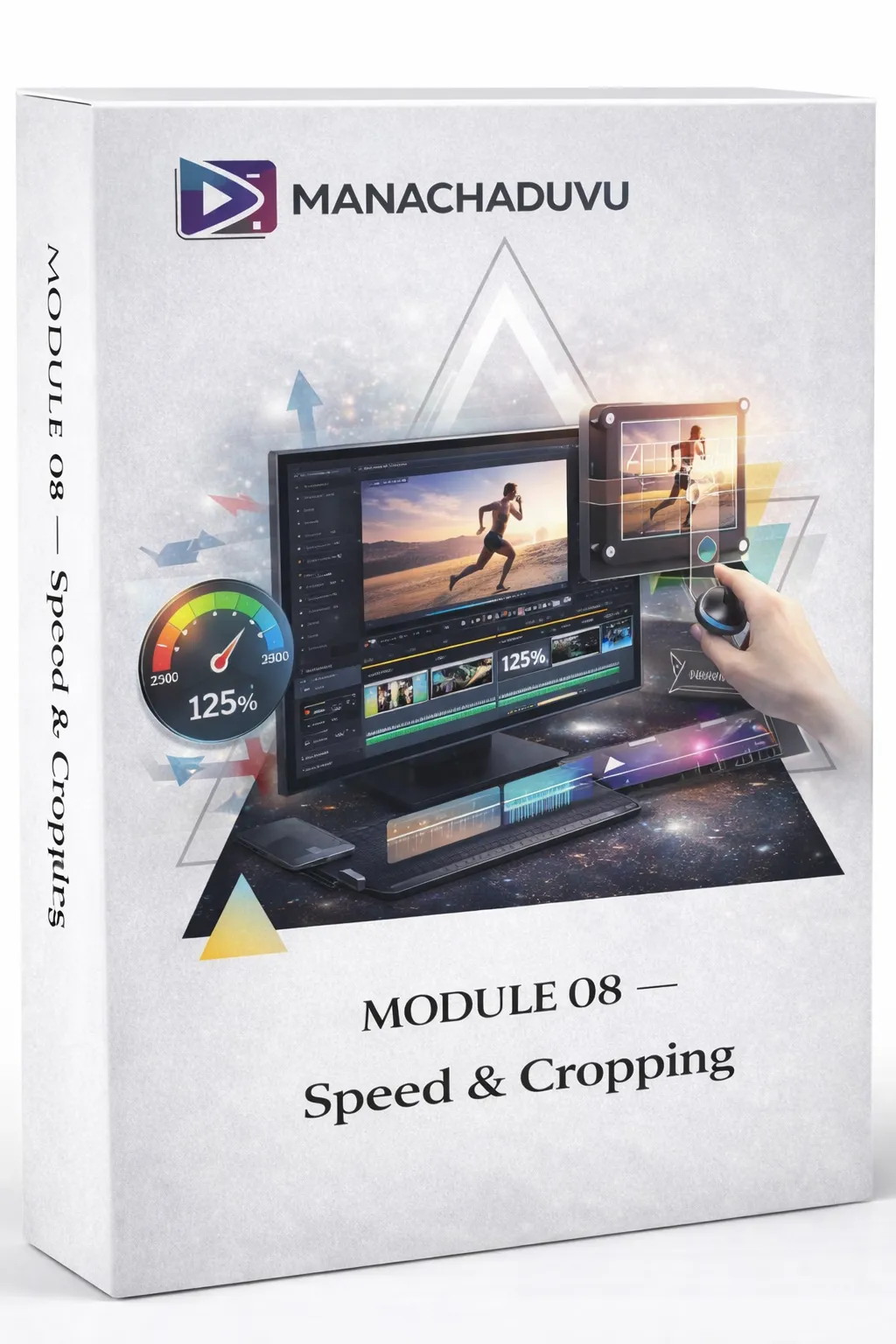
Speed and cropping overview
Controlling video speed (slow motion, time-lapse)
Using the crop tool
Removing crops when needed
You'll add creative effects. Make boring clips interesting. Fix framing issues.
MODULE 09 — Overlay & Layers
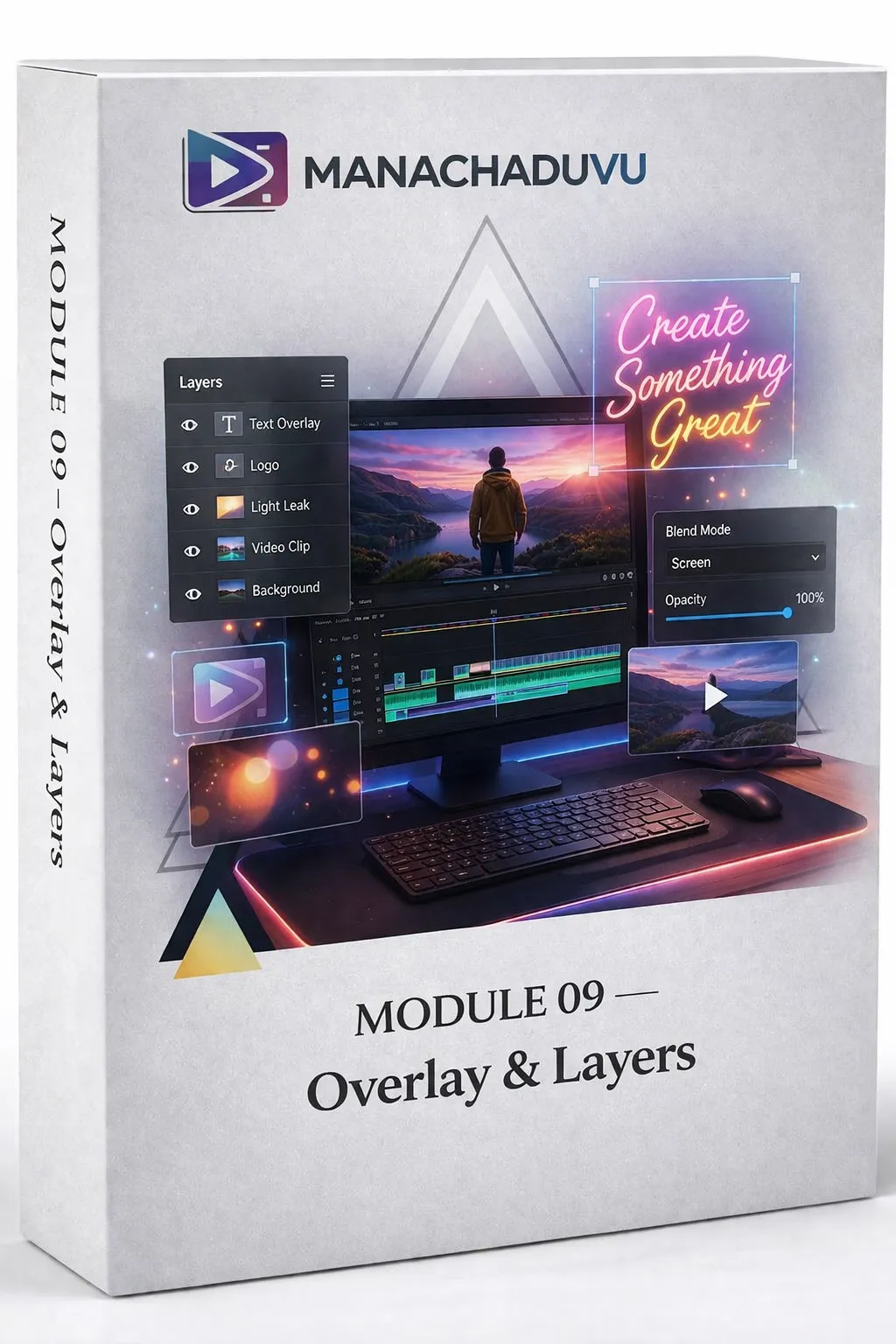
Complete overlay and layers overview
What overlays are
Placing overlays correctly
Managing layer order
Main track and PIP track explained
You'll create depth in your videos. Add multiple elements. Make complex edits look easy.
MODULE 10 — Colour & Look
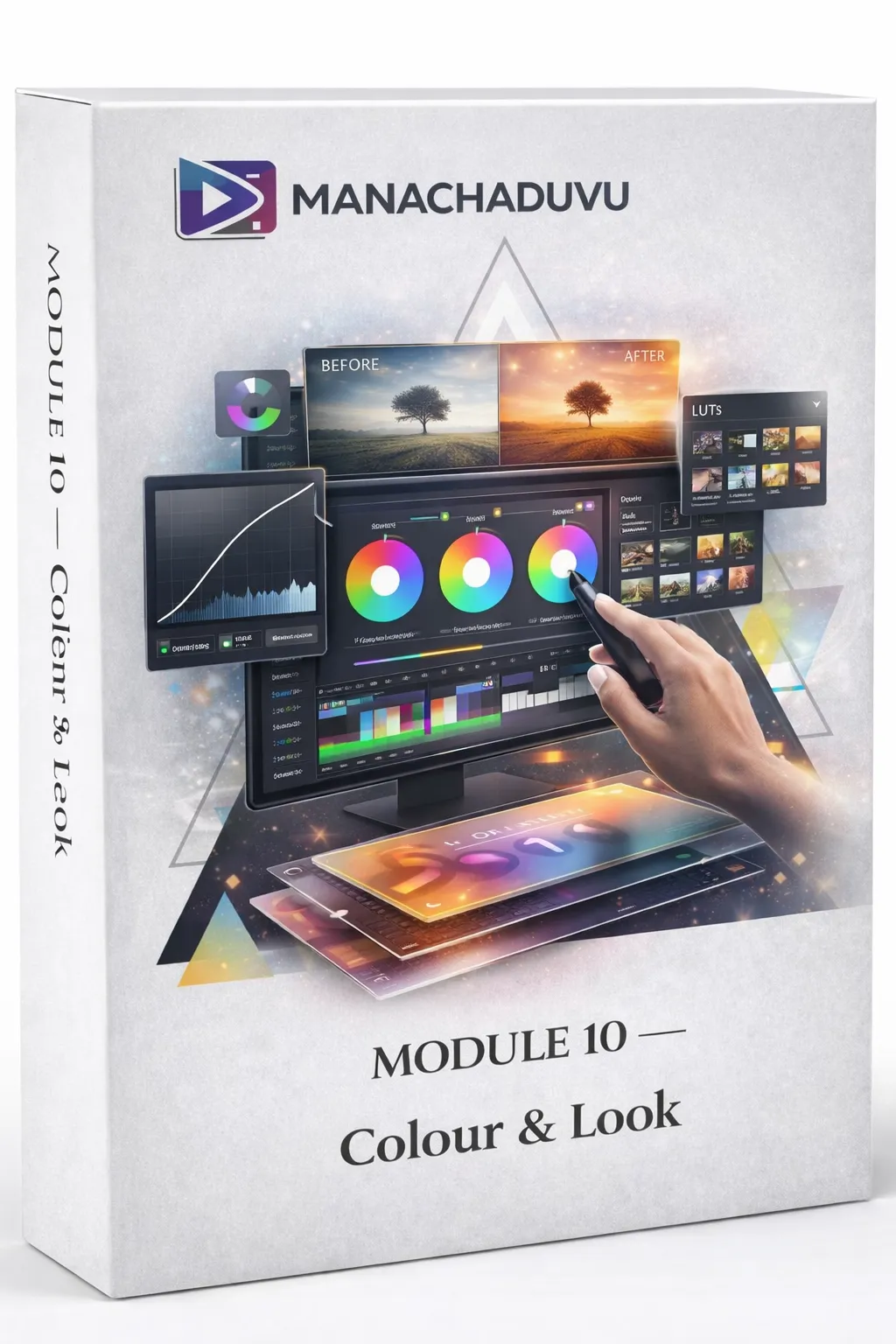
Colour and look overview
Adjusting colours
Colour grading tools explained
Using filters effectively
Creating custom filters
Deleting filters
You'll make your videos look cinematic. Stand out from amateur content. Create your signature style.
MODULE 11 — Effects & Transitions
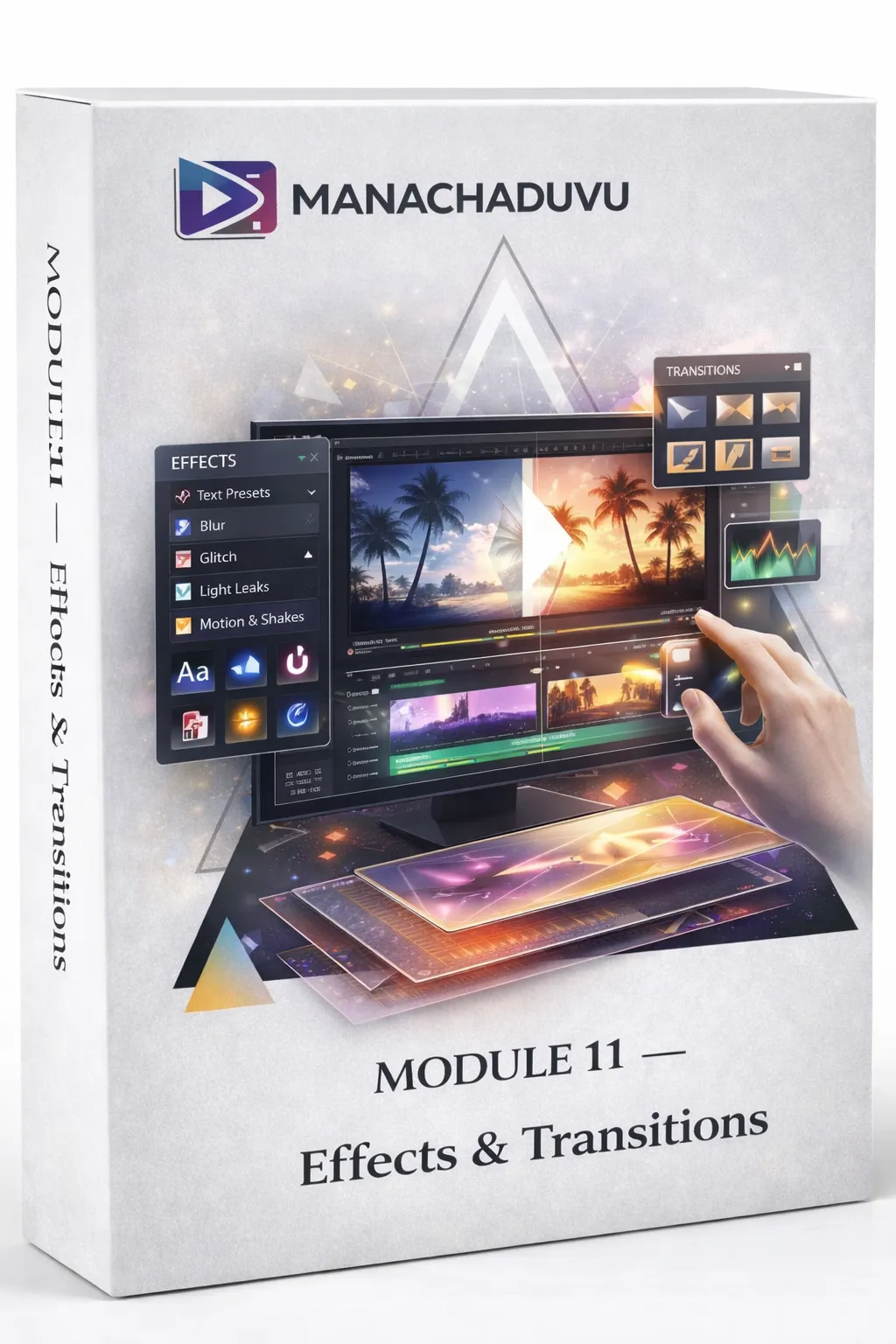
Effects and transitions overview
Adding effects that viewers love
Smooth transitions between clips
You'll create scroll-stopping moments. Keep viewers watching. Make your reels feel professional.
MODULE 12 — Text & Captions
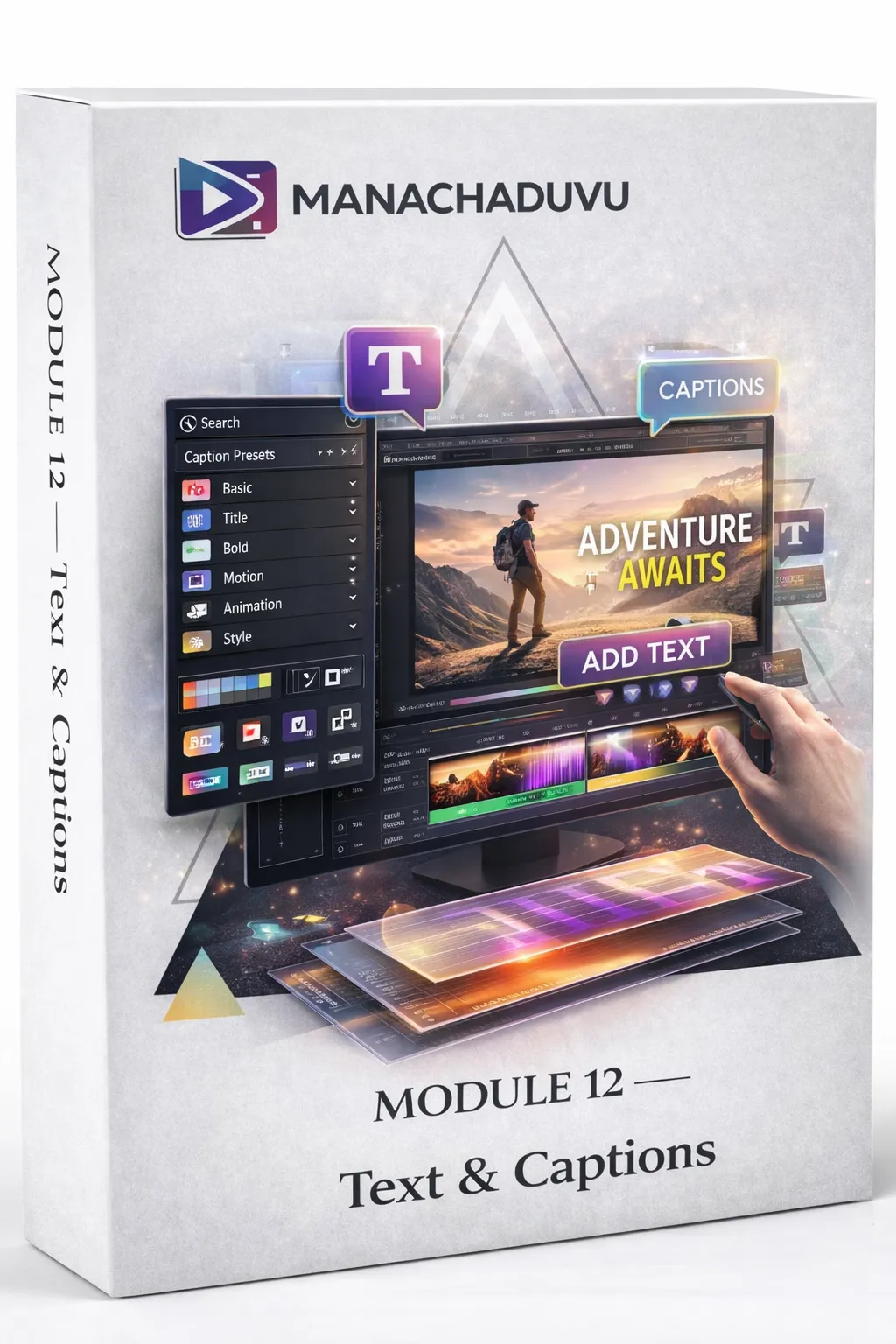
Text and captions complete overview
Adding text to videos
Choosing fonts
Text colours
Text stroke, shadow, background
Text options and spacing
Animating text
Auto-generating captions (upcoming)
Editing and styling captions (upcoming)
You'll add engaging text overlays. Make your message clear. Create accessibility for all viewers.
MODULE 13 — Music & Sound
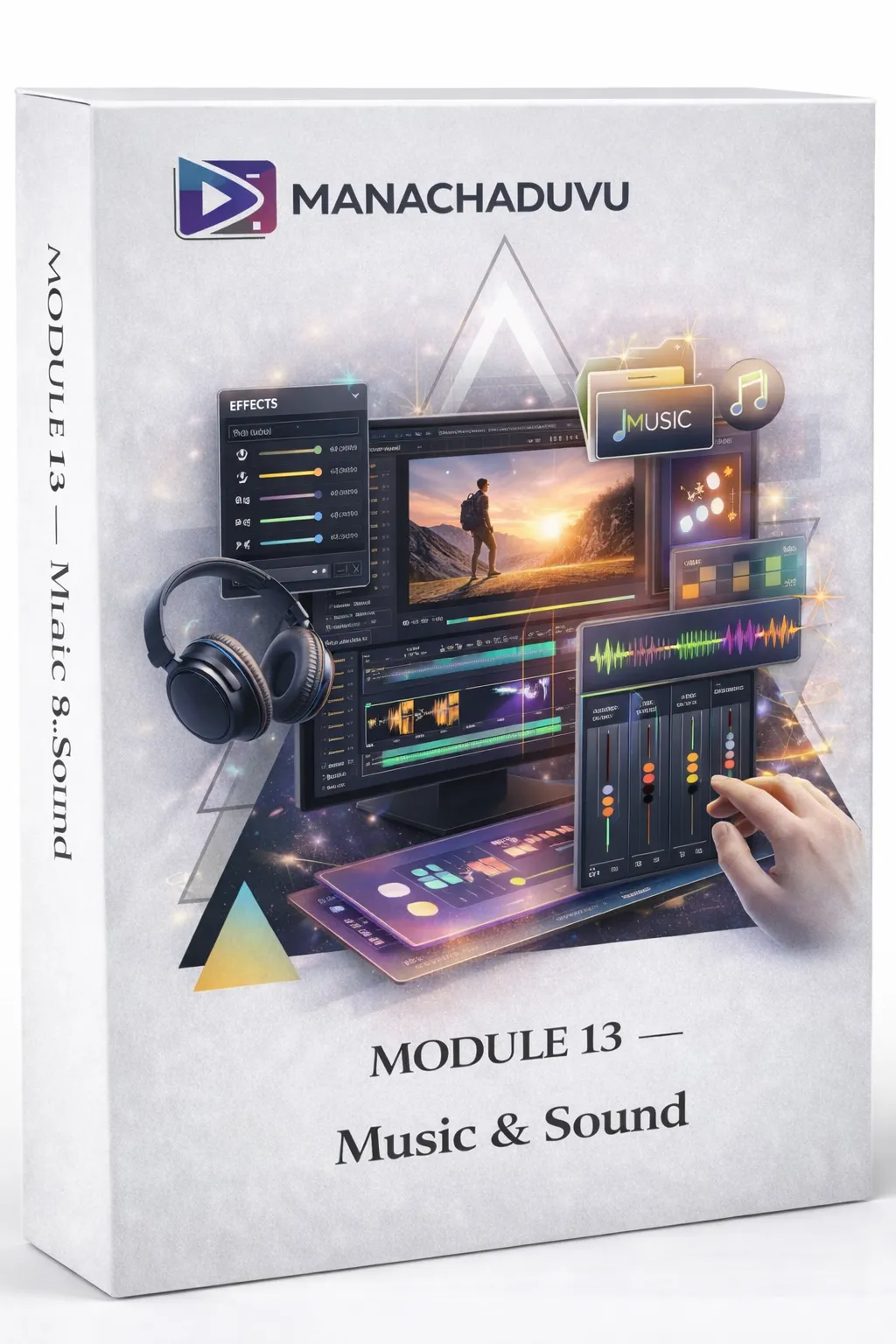
Music and sound overview
Adding background music
Trimming audio
Controlling volume levels
Fade in and fade out effects
Enhancing voice quality
Adding sound effects
Top 10 sound effects breakdown
Importing custom sound effects
You'll create professional soundtracks. Balance music and voice perfectly. Make every video sound clean.
MODULE 14 — Branding Tools
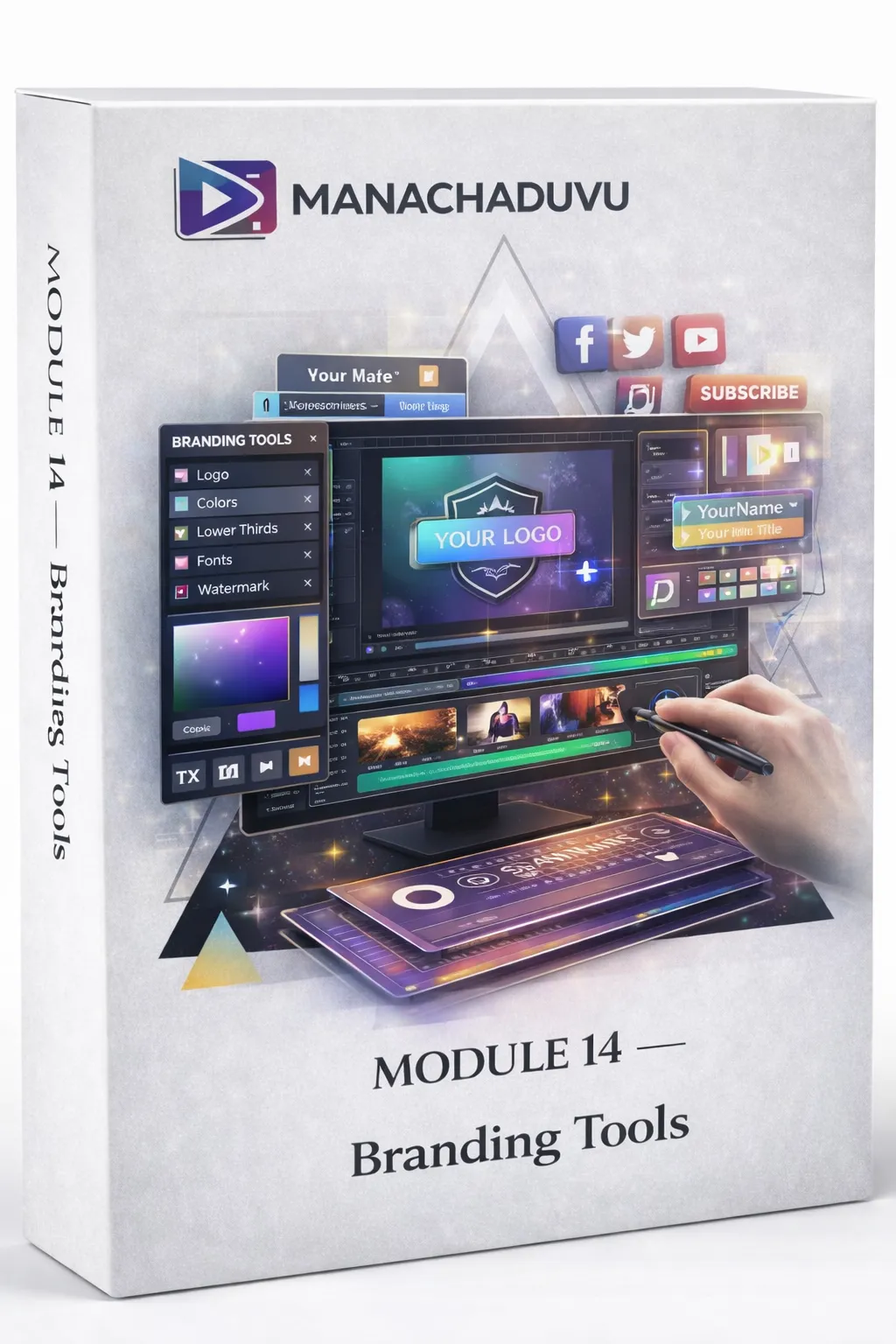
Branding tools overview
Importing your logo
Logo background remover
Placing logos correctly
Adjusting logo opacity
You'll brand your videos professionally. Build recognition. Look like a real content creator.
MODULE 15 — Advanced Basics
Advanced basics overview
Using masks
Understanding keyframes
Reversing video
Extracting audio from video
Flipping and mirroring video
Blurring video
You'll create advanced effects. Do things that impress other editors. Solve complex editing problems.
MODULE 16 — Exporting
Exporting overview
Exporting final high-quality videos
Exporting audio only
You'll export videos correctly. No quality loss. Ready for any platform.
MODULE 17 — CapCut Mastery
CapCut complete overview
Turning on VPN for CapCut
CapCut interface breakdown
CapCut vs VN options comparison
Using CapCut stickers
CapCut background remover
CapCut audio effects
Studio colour grading in CapCut
You'll master both VN and CapCut. Use the best tool for each job. Create even more professional results.
MODULE 18 — CapCut Advanced Tricks
CapCut tricks overview
Link and unlink features
Custom text colours
Round corners technique
You'll use advanced CapCut features that most editors don't know about.
MODULE 19 — Live Talking Video Project (24 Detailed Lessons)
This is where everything comes together.
A complete, real-world project. Editing a live talking video from start to finish.
You'll learn:
Downloading raw footage
Importing video clips to VN
Understanding raw footage
Audio trimming techniques
Analysing trimmed audio
Exporting from VN and why
Turning on VPN
Importing to CapCut
Colour grading the footage
Adding overlays
Overlay colour grading
Text and style application
Text element splitting
Right text application
Text animations
Transition splits
Adding business name and number
Logo placement and background
Subscribe button placement
Sound effects integration
Final preview check
Exporting the final video
Client delivery via WhatsApp
Sharing via Google Drive
This isn't theory. This is real editing work.
Second-by-second guidance. Complete project. Professional result.
MODULE 20 — Indoor Talking Video Project (37 Detailed Lessons)
The most detailed editing project in the entire course.
You'll edit a complete indoor talking video with second-by-second guidance.
You'll master:
Observing final output before starting
Importing and analysing raw footage
Removing pauses and mistakes systematically
Exporting from VN to gallery
VPN connection for CapCut
Opening CapCut and importing
Basic colour grading (face and overall look)
Multiple export and import workflows
Overlay placement and alignment
Removing overlay backgrounds
Duplicating and background removal
Background image masking
Editing 0-7 seconds section
Editing 7-11 seconds section
Editing 11-15 seconds section
Editing 16-19 seconds section
Editing 20-29 seconds section
Live reach checks during editing
Editing 30-37 seconds section
Editing 37-50 seconds section
Editing 50-1:02 section
Editing 1:02-1:17 section
Editing 1:17-1:20 section
Editing 1:20-1:27 section
Second live reach check
Complete editing audit (2 rounds)
Adding outro clips
Background music selection and placement
Client-specific colour grading
Text addition and styling
Final export process
Final video preview
This is professional-level training.
You're not just learning tools. You're learning the thinking behind every edit decision.
MODULE 21 — Trending Music Projects (Upcoming)
Text to video transition projects
More trending style projects being added
You'll stay current with trending editing styles.
Your 30-Day Journey From Confused Beginner To Confident Editor
How The Learning Journey Works
Week 1: Foundation Building
You learn the basics. Install apps. Understand interfaces. Make your first simple edits.
Small wins. Building confidence. Getting comfortable.

Week 2: Core Skills Development
You master cutting, trimming, speed control. Add music. Control audio. Make clean edits.
Your videos start looking decent. Friends notice improvement.
Week 3: Advanced Techniques & CapCut Mastery
You learn colour grading, effects, transitions. Text animations. Overlays. Branding.
You master CapCut alongside VN. Double your creative options.
Your videos start looking professional. You feel proud sharing them.
Week 4: Real Project Mastery
You edit complete projects. Second-by-second guidance. Real footage. Professional workflows.
You're no longer a beginner. You're a skilled mobile video editor.
Why This Is The Safest Decision You'll Make This Year
Our Simple Promise To You
Here's the deal.
Learn at your own pace. Access lessons anytime. Rewatch whenever needed.
We've taught this course in the simplest Telugu possible.
Every step is clear. Every tool is explained. Every concept is broken down.
If you're a complete beginner—this course starts from absolute zero.
If you've tried learning before and failed—this structured approach will finally make sense.
If you're worried about wasting money—remember, you get lifetime access.
Watch once. Watch twice. Watch ten times. The course stays with you forever.
No recurring fees. No hidden charges. No time limit.
One payment. Lifetime learning.
And here's what makes this risk-free:
If you follow the modules. Do the practice. Apply the lessons.
You will be able to edit professional videos within 30 days.
That's not a hope. That's a promise.

Real Telugu Students. Real Results. Real Transformations.
— Lakshmi, Vijayawada
"I never thought I could edit videos. I'm a housewife with zero experience. But this course made everything so easy. Now I edit reels for my cooking page. Even got my first paid client!"
— Ravi, Hyderabad
"The Telugu explanations changed everything for me. English tutorials confused me. This course? I understood every single word. Now I'm editing YouTube Shorts for local businesses."
— Priya, Guntur
"I wasted 6 months watching random tutorials. Learned more in 2 weeks with this course than in those 6 months. The structured approach is brilliant."
— Karthik, Bangalore
"I'm a software employee. Wanted to learn editing as a side skill. This course taught me everything. Now I freelance on weekends and earn extra ₹15,000-₹20,000 monthly."
Why This Course Is Unlike Anything You've Tried Before
Why This Course Changes Everything
You Learn Through Real Projects
Not just theory. Not isolated tools. Complete editing projects with second-by-second guidance.
Module 19 has 24 detailed lessons. Module 20 has 37 detailed lessons.
This is hands-on mastery.
You Master Both VN And CapCut
Two powerful apps. Different strengths. Complete creative control.
Dedicated CapCut modules teach you advanced techniques most editors never learn.
You Learn In Your Language
Every lesson in Telugu. Every explanation clear. Every term simple.
Your brain doesn't struggle translating English. You just understand.

You Learn On Your Mobile
No expensive equipment needed. No laptop required. Just your phone.
Learn anywhere. Practice anywhere. Create anywhere.
You Get Lifetime Access
Watch today. Rewatch next month. Reference next year.
The course stays with you. Updates included. Forever.
You Build A Real Portfolio
By the end of the practical projects, you have proof of your skills.
Real edited videos. Professional quality. Ready to show clients or post online.
"But What If..."
Your Questions Answered
"I've never edited before. Is this really for beginners?"
Yes. Absolutely.
We start from installing apps. We explain every button. Every tool.
If you can use WhatsApp, you can learn this.
"I don't have a laptop. Can I really edit on mobile?"
That's exactly what we teach.
Every lesson uses mobile only. VN and CapCut are mobile apps.
Professional results from your phone. Guaranteed.
"I'm busy. Do I need to complete it in 30 days?"
Not at all.
30 days is how fast you can learn. Not how fast you must learn.
Take 2 months. Take 6 months. Lifetime access means no rush.
"Will this work for Instagram Reels AND YouTube Shorts?"
Yes.
The course covers both. Plus long YouTube videos. Plus client work.
Same skills. Different platforms. All covered.
"I tried learning before and failed. Why will this be different?"
Because this is structured and practical.
Not random tutorials. Not scattered tricks. A complete system with real project work.
Step-by-step. Simple Telugu. Designed for your success.
"The project modules look very detailed. Will I get confused?"
No.
That's exactly why they're detailed. We hold your hand through every single step.
Second-by-second guidance. Nothing is skipped. Nothing is assumed.
"Do I need to know CapCut before starting?"
No.
We teach CapCut from scratch. Complete interface breakdown. Every feature is explained.
The Real Value Of What You're Getting Today
Let's Talk About Investment
If you hired a professional editor to teach you one-on-one...
You'd pay ₹10,000-₹15,000 minimum.
If you joined an offline workshop...
₹5,000-₹8,000 for basic knowledge.
If you bought separate courses for VN, CapCut, colour grading, audio...
₹12,000-₹18,000 total.
Here's what you're getting:
✓ Mobile Video Editing Mastery Course: ₹15,000 value
✓ 21+ Complete Modules: ₹10,000 value
✓ 150+ Detailed Video Lessons: ₹8,000 value
✓ Module 19: Live Talking Video Project (24 lessons): ₹3,000 value
✓ Module 20: Indoor Video Project (37 lessons): ₹5,000 value
✓ VN Complete Mastery: ₹4,000 value
✓ CapCut Complete Mastery: ₹4,000 value
Total Value: ₹52,300
Just ₹3,000
Your Investment Today: ₹3,000
That's 94% less than the actual value.
Less than ₹100 per day for 30 days.
Less than one fancy dinner.
Less than one month of coffee.
For a skill that can earn you ₹5,000-₹20,000 monthly.
The course pays for itself with your first client project.
Your Most Important Questions Answered
What apps do I need?
VN and CapCut. Both are free to download. We show you exactly how in Module 1.
Will CapCut work in India?
Yes. We teach you how to use it with VPN. Full setup guide included.
What phone do I need?
Any Android or iPhone from the last 4-5 years works fine. We cover requirements in the course.
How long are the lessons?
Most lessons are 5-15 minutes. Project modules have longer lessons for complete walkthroughs.
Can I download the videos?
The course is online access. You can watch anytime, anywhere with internet.
Will I get updates?
Yes. When we add new modules or lessons, you get them free. Module 21 is actively being updated.
Is there support if I get stuck?
Yes. You can reach out anytime with questions.
What if I'm really bad with technology?
If you can use WhatsApp and YouTube, you can do this. We start from absolute basics.
Can I really earn money after this?
Yes. The skills you learn are exactly what clients pay ₹5,000-₹20,000 per video for.
Is ₹3,000 a one-time payment?
Yes. Pay once. Access forever. No hidden fees. No recurring charges.
The project modules look long. Do I have to complete them?
The project modules are where real learning happens. Take your time. The detail ensures you succeed.
Your Moment Of Decision Is Here
Your Decision Point
You've read this far.
That means something.
You want to learn editing. You want to create better videos. You want to stop feeling stuck.
Here's what happens next:
Choice 1: Do Nothing
Close this page. Go back to random tutorials. Keep struggling. Watch others succeed.
Six months from now, you're in the same place.
Choice 2: Take Action
Join the course. Follow the modules. Practice the projects. Build the skill.
30 days from now, you're editing professional videos. Confidently. Skillfully. Successfully.
The difference?
One decision. One click. One investment of ₹3,000.
Think about it.
₹3,000 for a lifetime skill.
₹3,000 for 21+ modules with 150+ lessons.
₹3,000 for second-by-second project guidance.
₹3,000 for mastering both VN and CapCut.
This isn't an expense. It's an investment.
In yourself. In your future. In your potential.
And remember:
✓ Lifetime access—learn at your pace
✓ Simple Telugu teaching—finally understand everything
✓ Mobile-only system—no laptop needed
✓ Real project mastery—build your portfolio
✓ Both VN and CapCut—complete skill set
Everything you need. Nothing you don't.
The students who joined last month? They're already editing reels.
The students who joined last week? They're already seeing improvement.
The students who join today? That could be you.
100% Lifetime Access Guaranteed
Only ₹3,000 — One-Time Payment
Join 500+ Telugu Students Already Learning

© 2026 Mana Chaduvu. Powered By ASR Media Pro